Data Sharing - Third-Party Applications
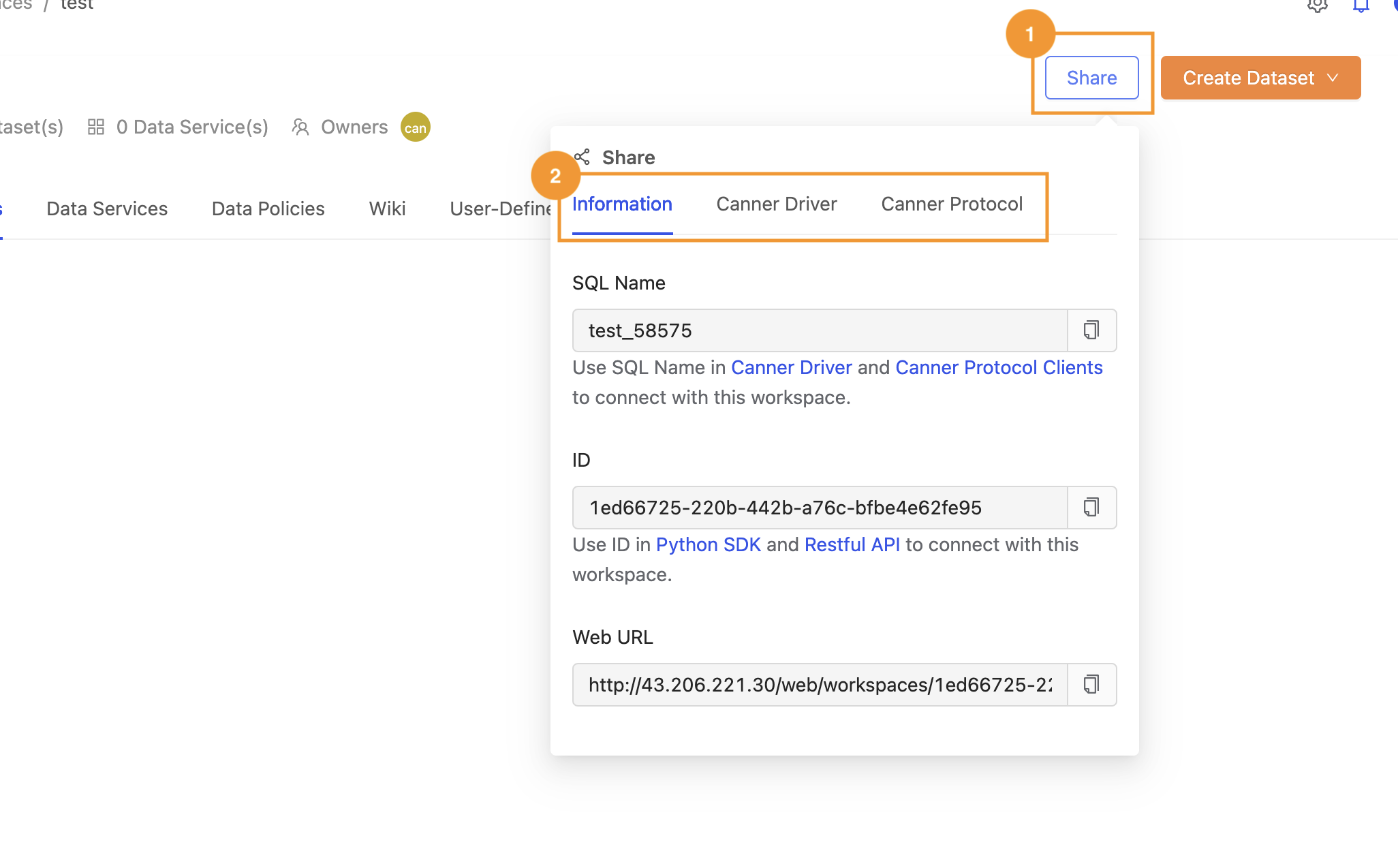
To share data from a workspace with a third-party application, click the Share button in the upper-right corner of the workspace. This shows the connection parameters a third-party application needs to connect to the workspace. For the token required for the connection, see 2.6 Personal Settings: Personal Access Token Authorization. For how to set up each type of connection, see the sub-sections of this chapter.
Information Tab
Provides the SQL name / User ID / URL needed for API connections.
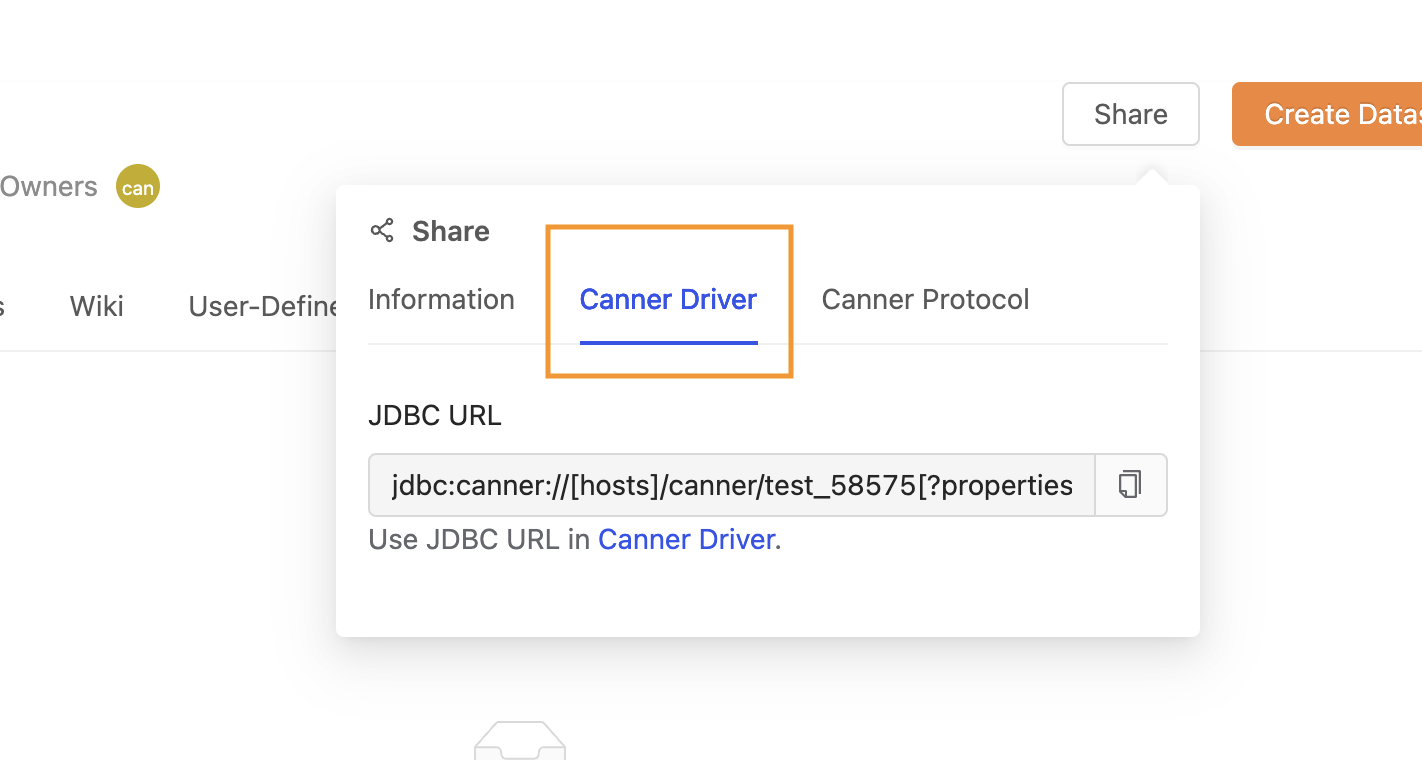
Canner Driver Tab
Information for connecting to the workspace through Canner Driver.
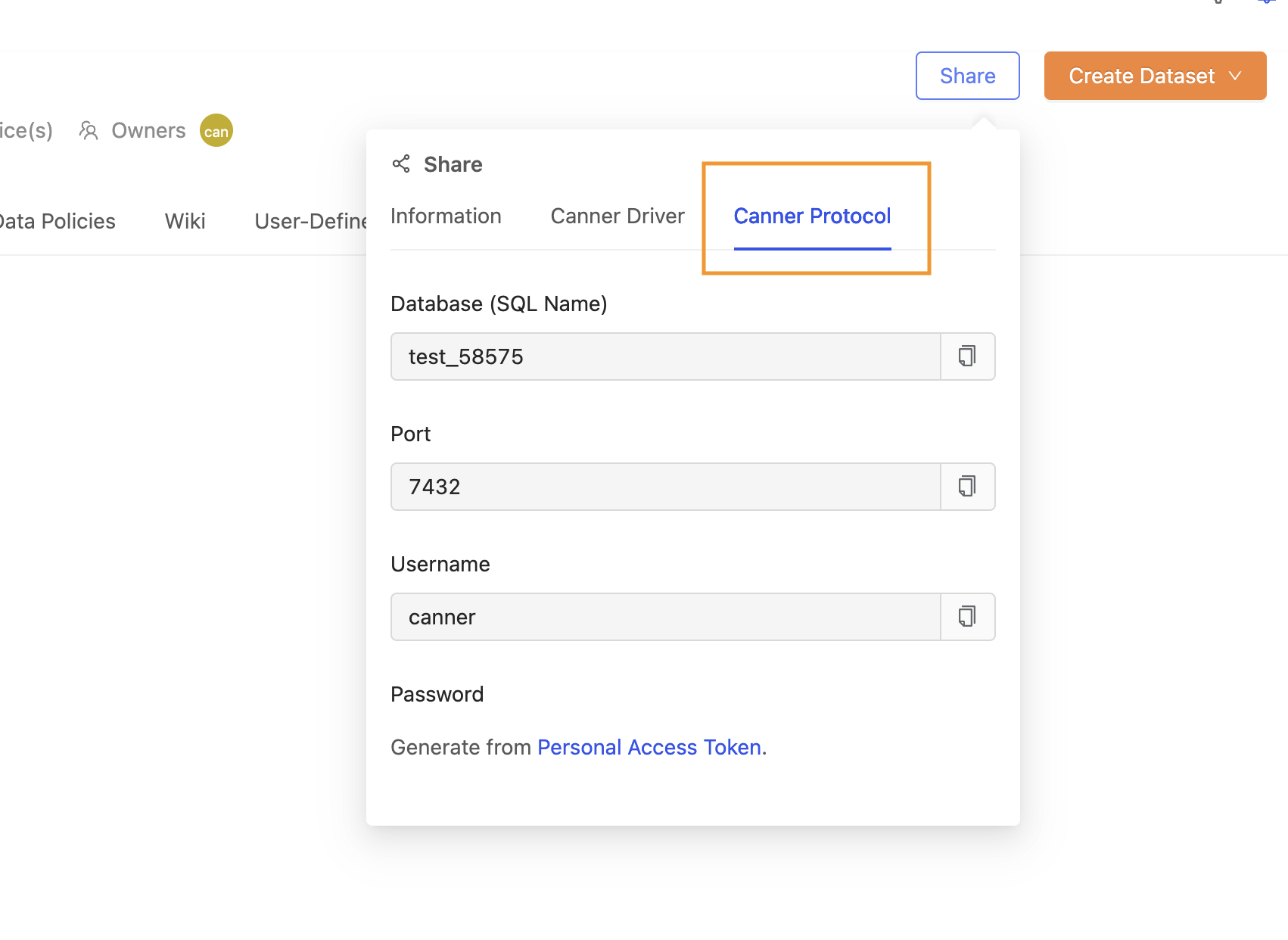
Canner Protocol
Information for connecting to the workspace through Canner Protocol.