2.6.1 Personal Menu
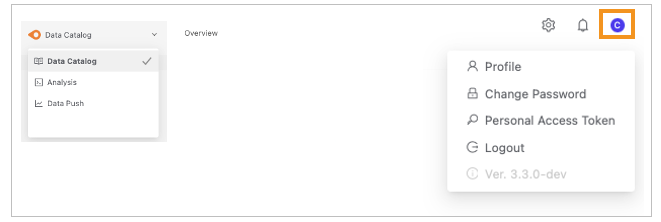
Click your login account to open the following menu:
- Profile : View the user's basic information
- Change Password : Change your password
- Personal Access Token : Generate and view the tokens owned by your account (for details, see Personal Access Token Authorization)
- Logout : Log out