Machine Status
Click the settings icon and select Service Status to open the machine status page.
On the Service Status page, you can define how you want Canner Enterprise to manage your machines. For example, if your company's budget allows at most 10 machines, you can set the maximum number of machines to 10 directly in the system. You can also shut down all machines after the team has been inactive for a certain time, to keep system costs to a minimum.
Engine Settings
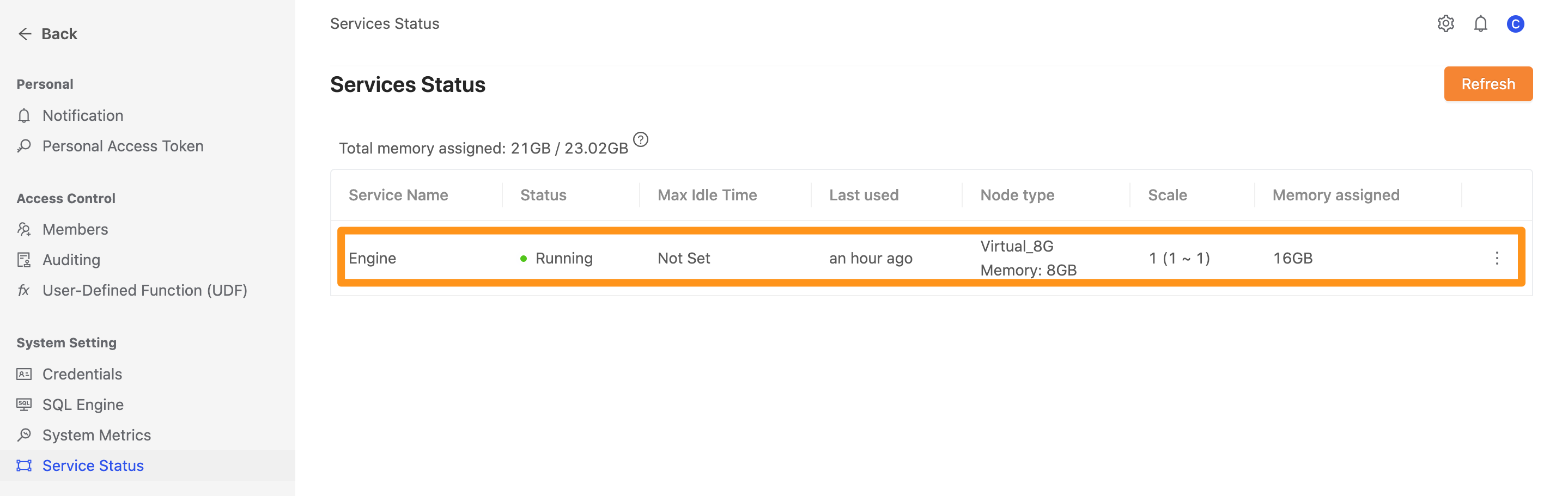
In "Service Status", you can see an overview of the current machines:
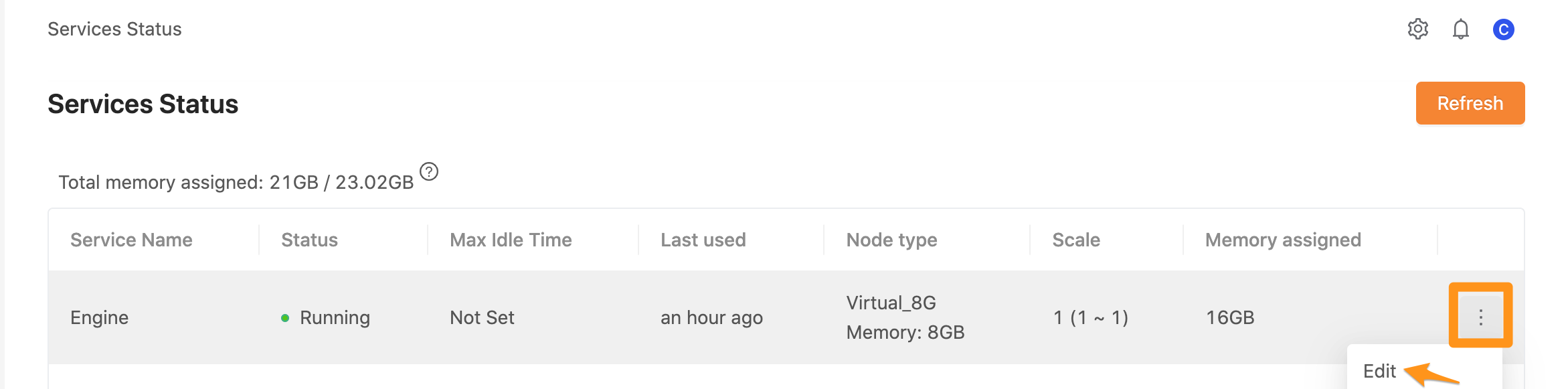
To change the settings, click the ... button and select Edit.
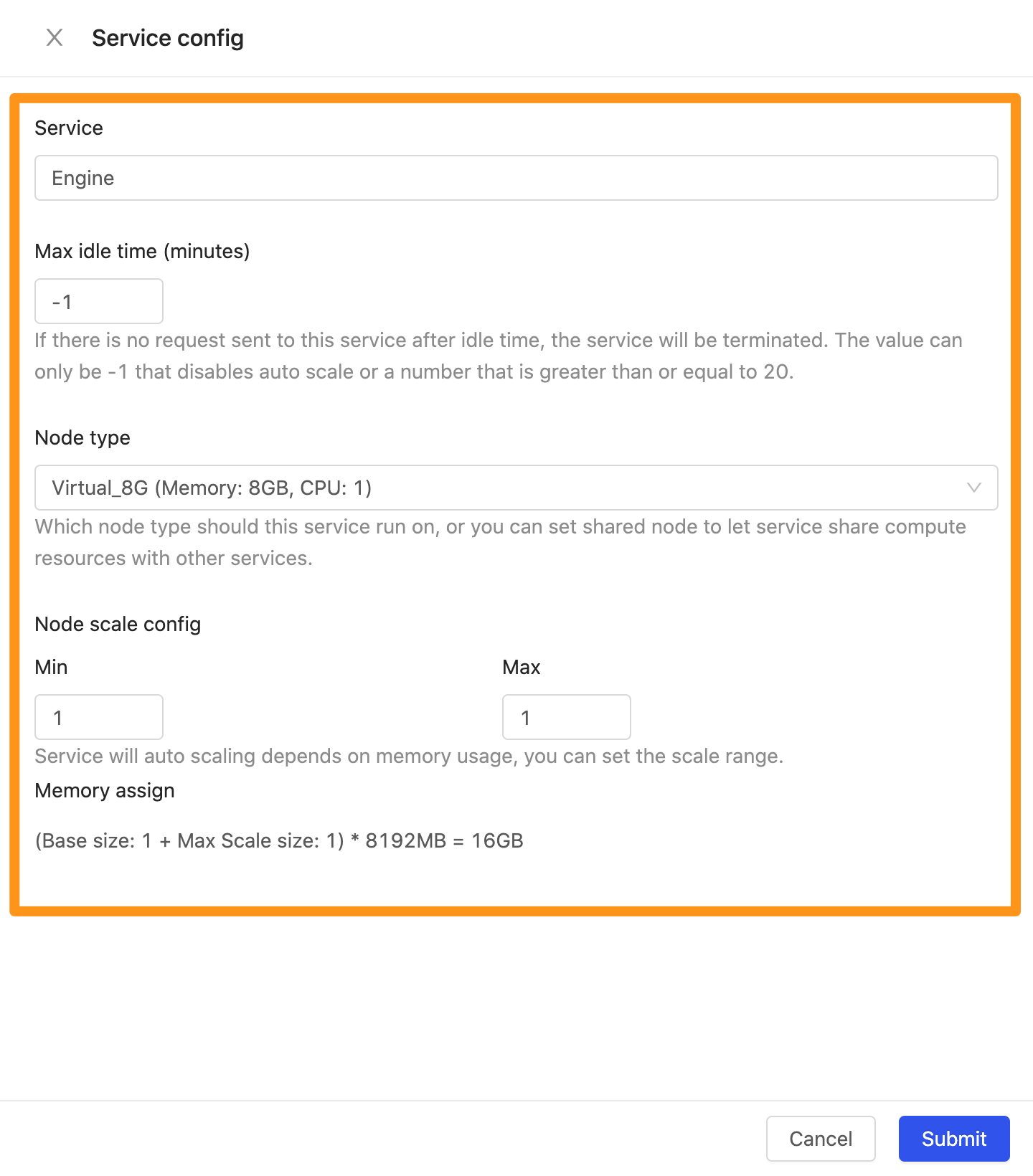
Here you can set how long the system can be idle before all machines are shut down, and the minimum and maximum number of machines available to Canner Enterprise.
- Max idle time: The idle time. For example, machines shut down automatically if no user is active within 30 minutes. Enter -1 to never shut down.
- Node type: The node machine specification
- Node scale config: The minimum and maximum number of nodes
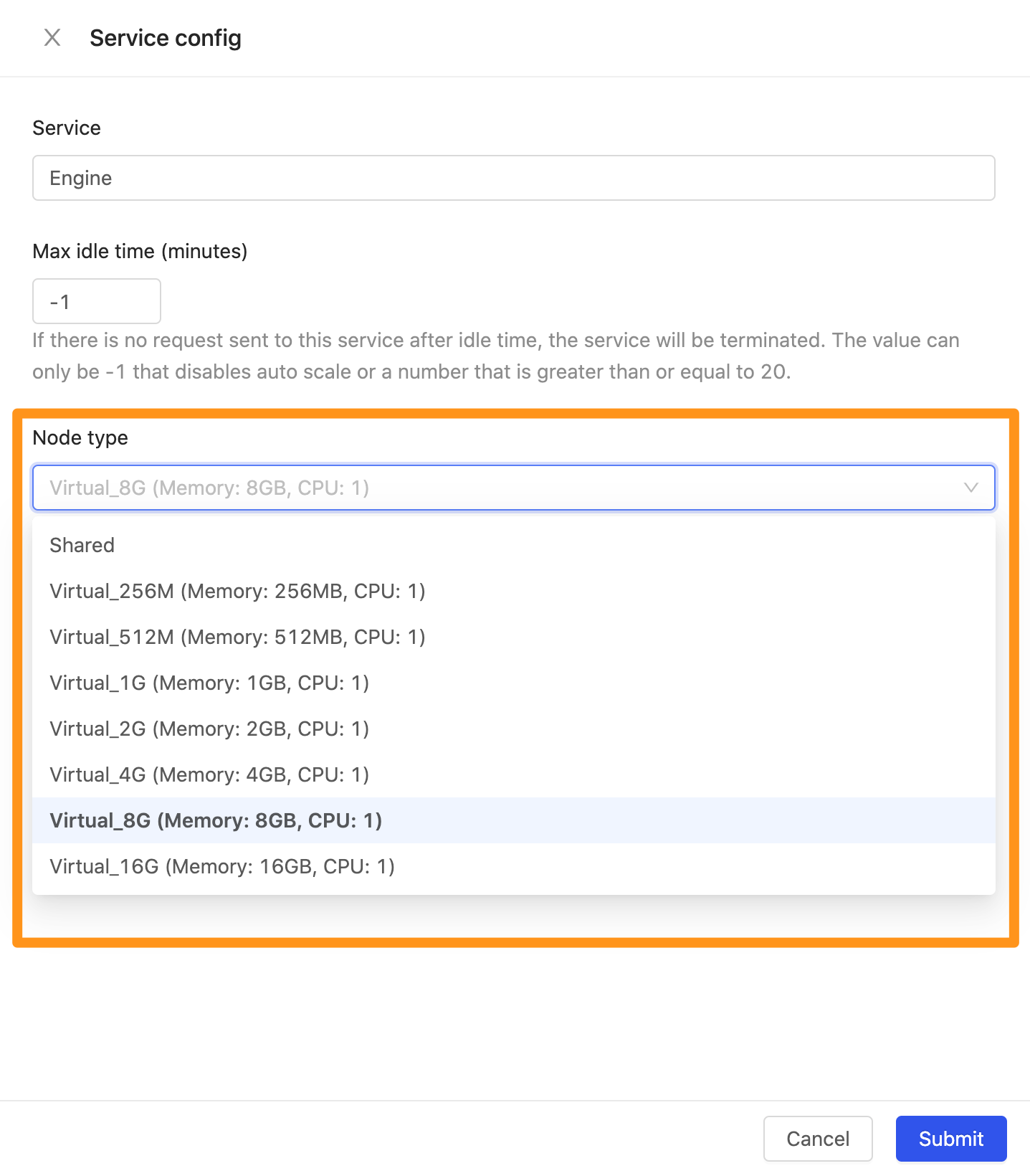
Switch Node Type
You can change the machine capacity and network directly in settings, as shown below.