View
If you want to understand the differences and concepts between View and Materialized View, you can refer to here.
Dump View
After you enter the SQL statement you want in SQL Editor, you can press the drop-down menu to select View, and the system will transform your current SQL into a View.
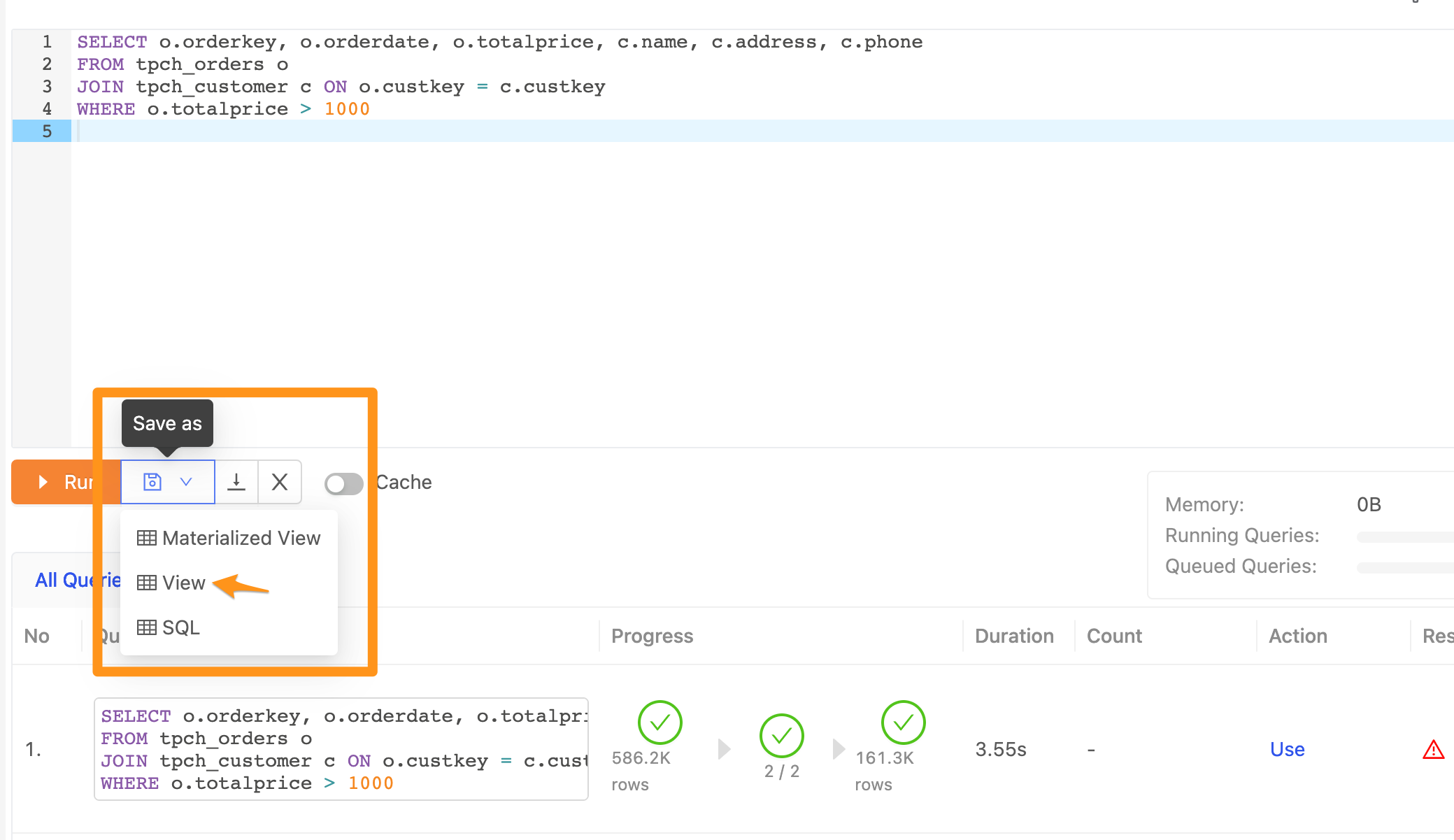
Store the View
After clicking View, it will have a form for you to fill in the name of the storage View you want, etc.
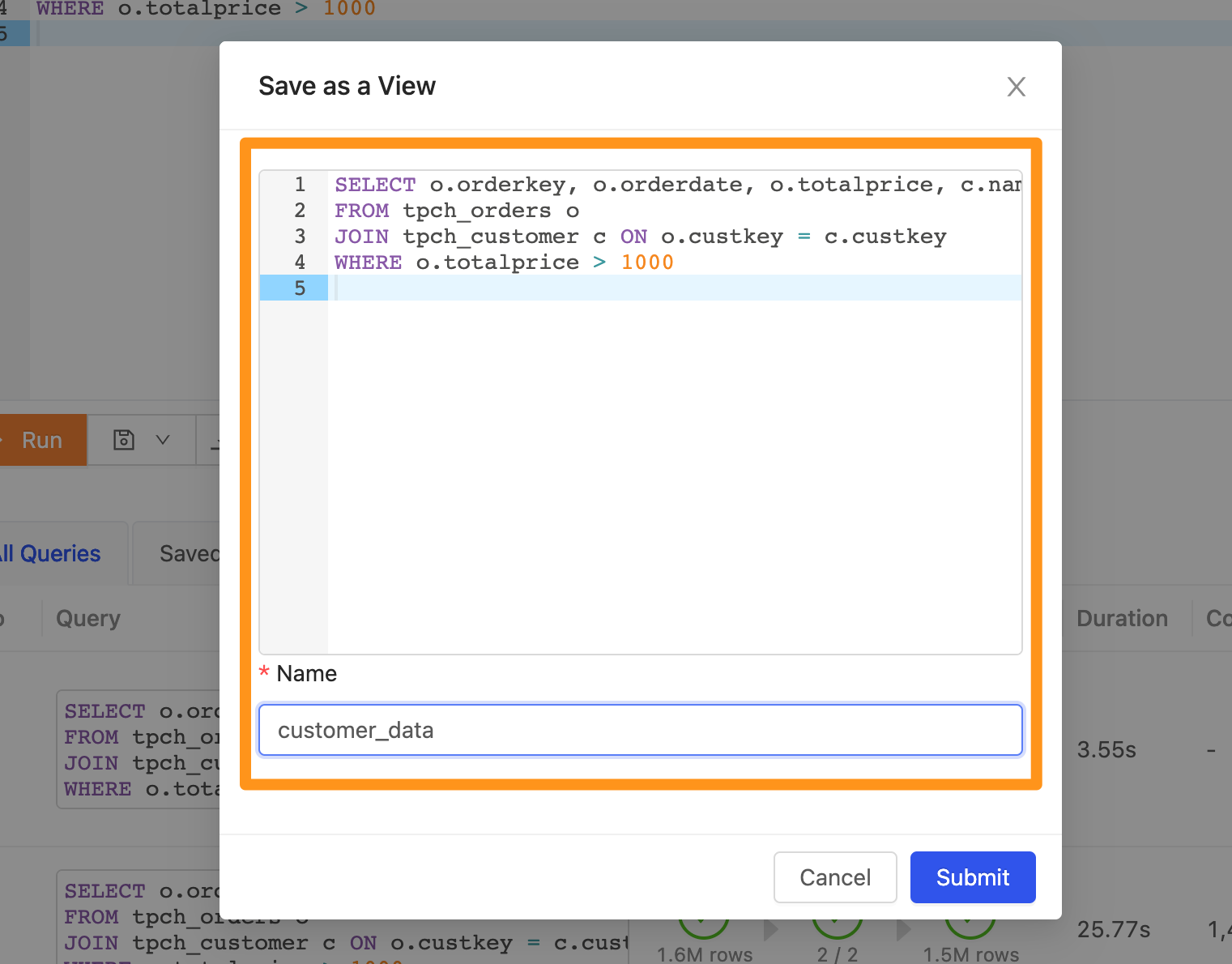
Check the View list in SQL Editor after saving
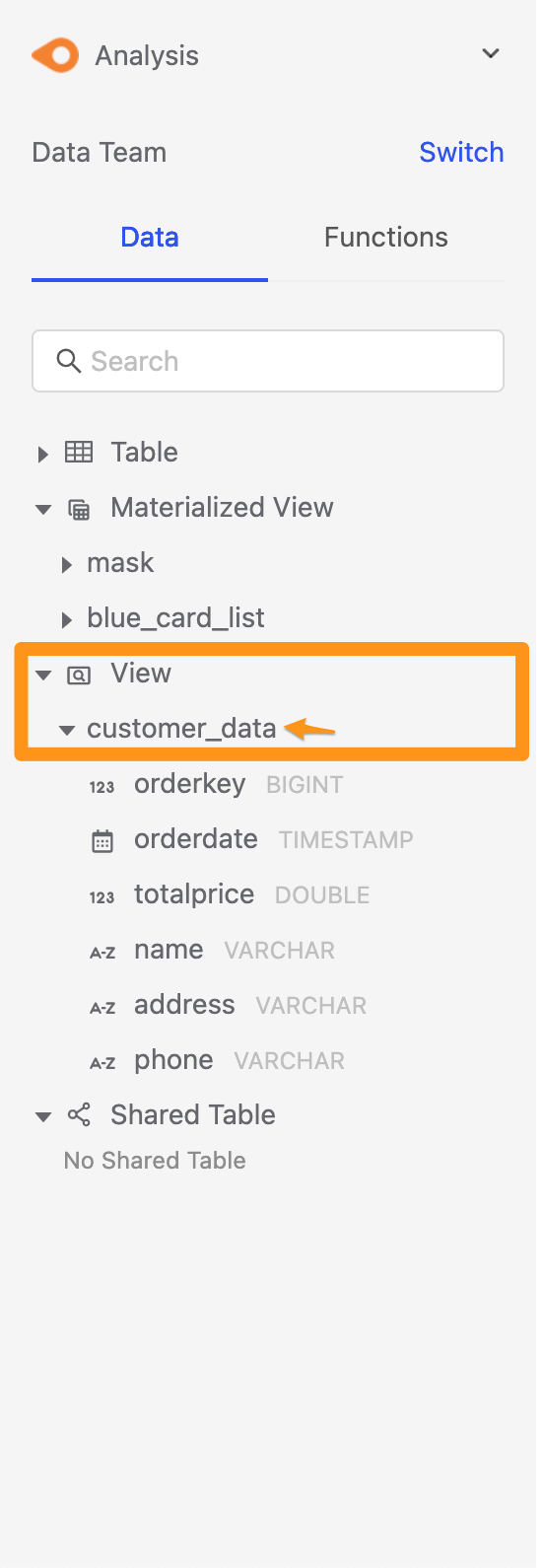
After saving, you can expand the View list in the sidebar of the SQL Editor, and you can see the View that has just been created.
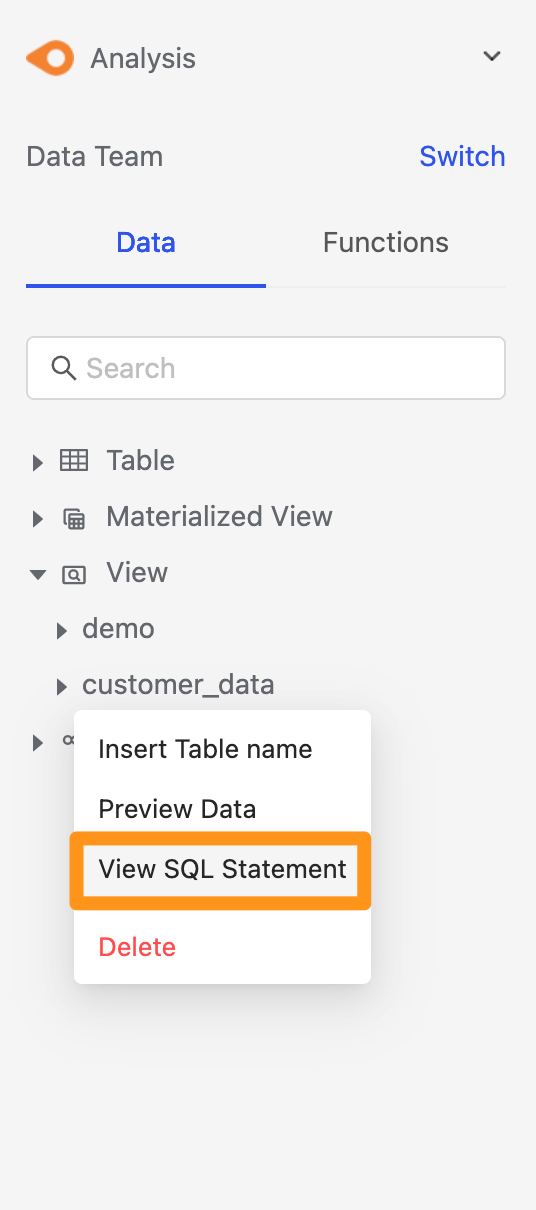
View SQL Statement
In the sidebar, hover the view that has been created, and select View SQL Statement in the menu.
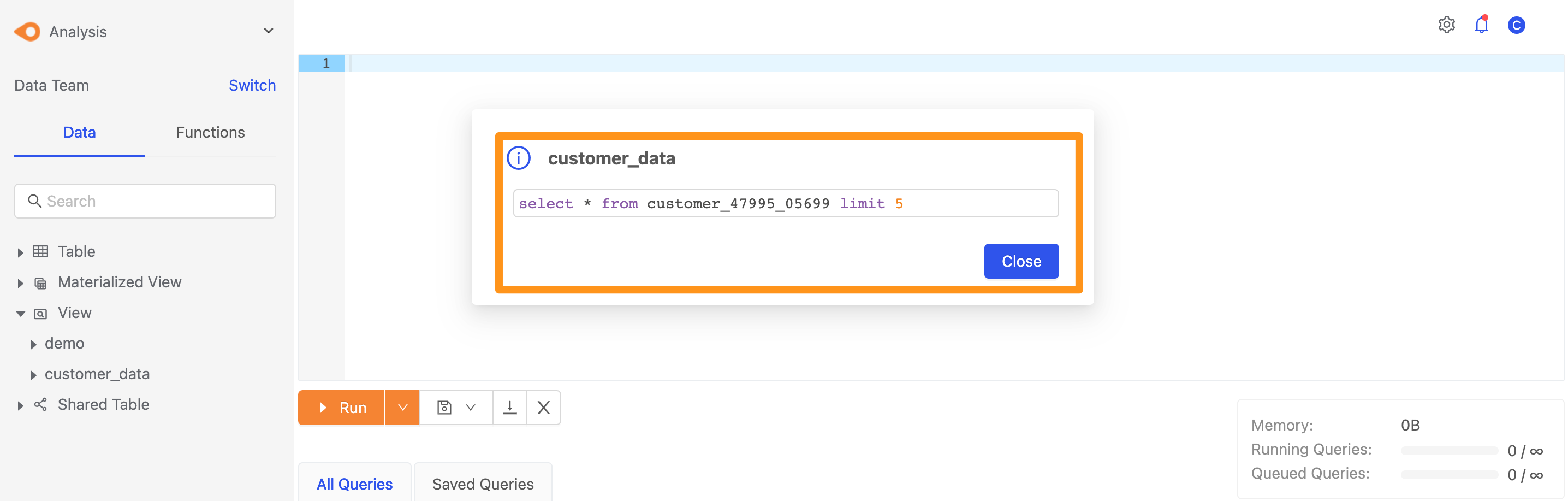
You can then view the SQL statement of the view.
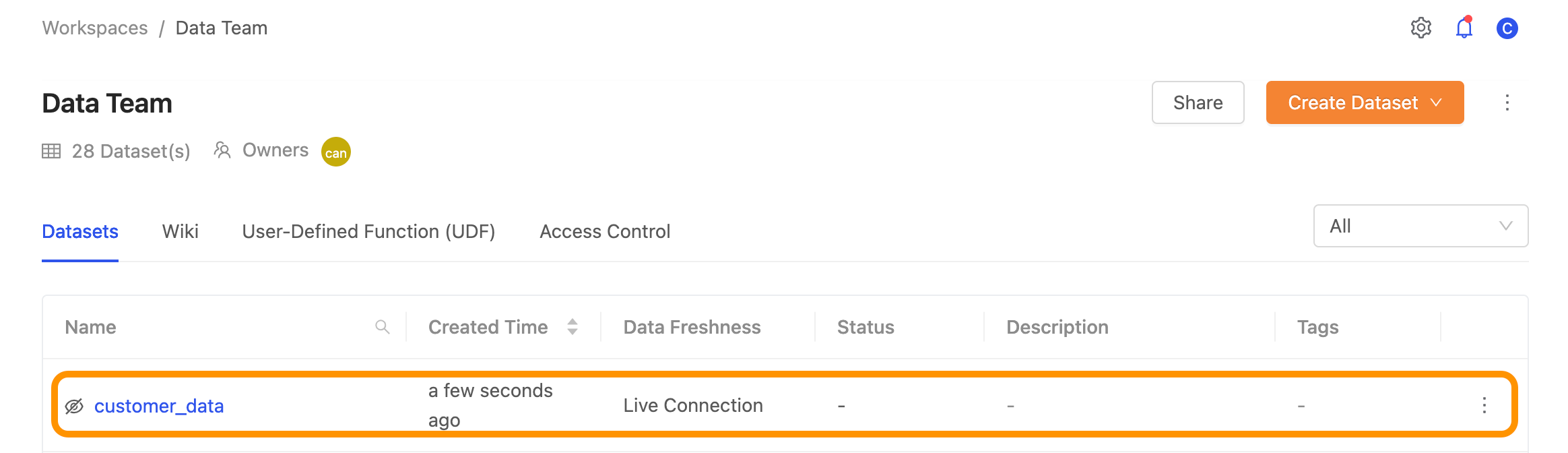
View in the data catalog
For the created View, you can switch to the data catalog, find this created View in your workspace, and edit and apply Metadata.